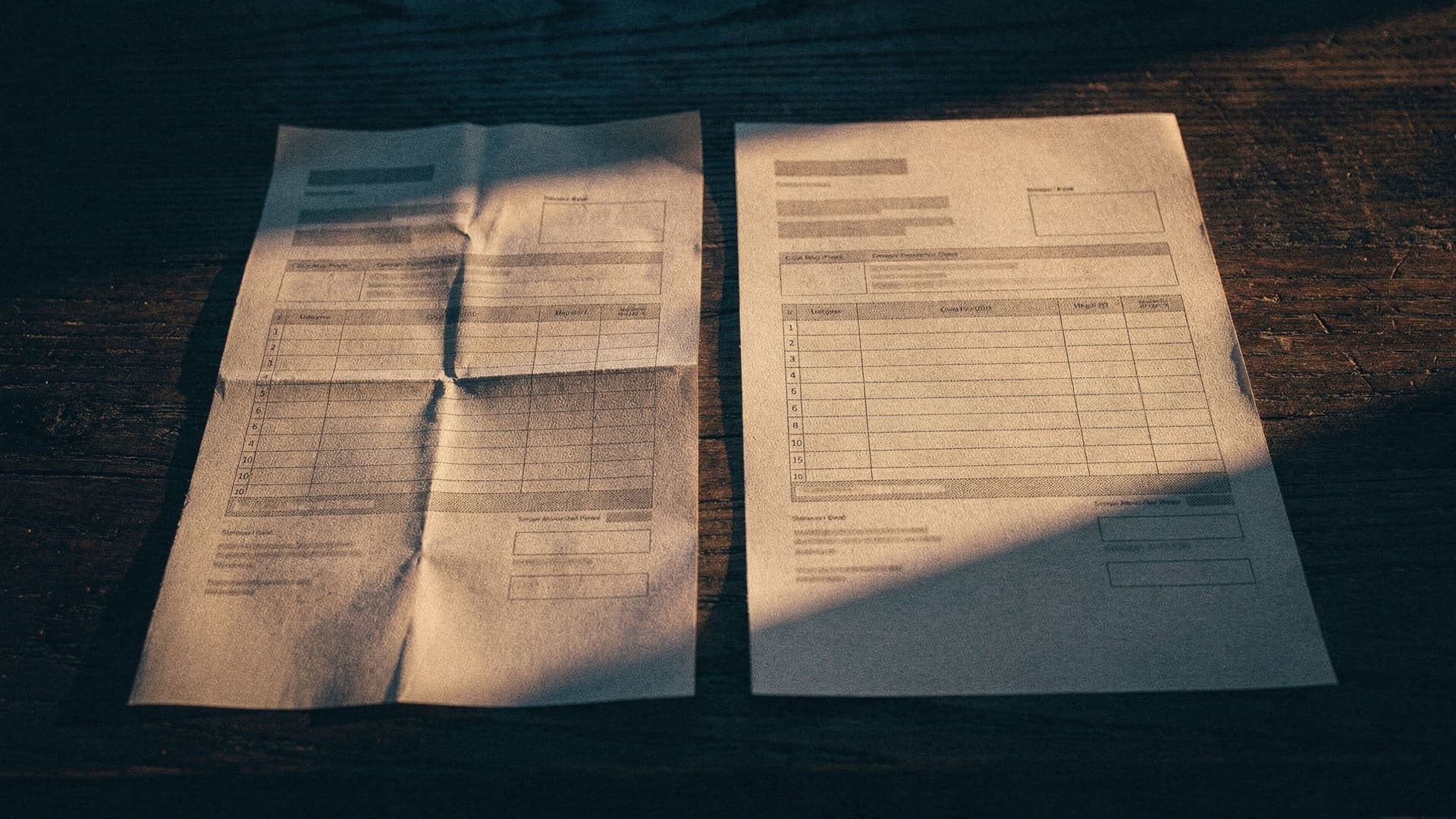



The problem, plainly
Every bill your business owes has probably already arrived in your inbox: the PDF invoice, the reminder, the failed direct debit. What the inbox refuses to do is show them as a list. So finding what needs paying becomes a scavenger hunt through search, stars and memory — and some bills lose.
Here is the best manual system we know, and — because honesty matters more than a tidy ending — the three places it breaks.
Gmail: searches that work
has:attachment filename:pdf (invoice OR bill OR "tax invoice")Attached PDF invoices.
subject:(invoice OR "payment due" OR overdue OR reminder)Requests and reminders that carry no attachment.
(invoice OR bill) newer_than:1mEverything bill-shaped from the last month.
Gmail has no saved searches, so make the search permanent with a filter: Settings → Filters and blocked addresses → Create a new filter, match the same words, and apply a label such as Bills. Star what still needs paying and unstar it when paid — label:bills is:starred becomes your outstanding list.
Outlook: the same idea
hasattachments:yes AND (invoice OR bill)Attached invoices, in Outlook's search syntax.
subject:invoice OR subject:overdueThe chasers, with or without an attachment.
Then make it stick: create a rule that moves anything matching those words into a Bills folder, and flag what needs paying — flagged mail collects in one view. Same mechanics as Gmail, same limits.
A ten-minute weekly routine
- Same day each week, run the searches — or open the label the filter has been filling.
- For each bill, write the supplier, amount and due date on one list: a note on your phone or a spreadsheet, whichever you will actually open.
- Pay from the list, not from the inbox, and mark each one paid as you go.
What every search misses
Three kinds of bill email never say “invoice”:
- The reminder written in plain words — “hi, following up on the amount owing”.
- The failed direct debit — “your payment was unsuccessful” — a bill that already tried to pay itself once.
- The payment request typed straight into the body of an email, with no attachment.
And a keyword system marks arrivals, not status: nothing unstars itself when you pay, and nothing warns you the day before a due date. That is the honest ceiling of running your bills on search — it works, weekly discipline included, until the week it does not.