


Why this one line matters
An invoice arrives from a supplier you have paid for years. The amount is right, the invoice number follows the last one, it may even sit in the same email thread as your last conversation with them. Near the bottom is a sentence you have not seen before: “please note our updated bank details.”
That sentence is how payment redirection scams work. In the ACCC’s description, the scammer has either broken into the supplier’s email account or is writing from an address that differs from the real one by as little as a letter, and has changed one thing on an otherwise genuine invoice: the BSB and account number. You pay. The supplier never sees the money, and the first sign that anything is wrong is their reminder for an invoice you believe you paid.
It is not rare. The National Anti-Scam Centre’s report for 2025 puts payment redirection at $166.8 million of reported losses in Australia, the second-largest scam category of the year after investment scams.
1. Stop, and do not reply
Do not pay yet, and do not reply to the email to ask about the change. The ACCC notes that if you query the new details by replying, the scammer answers and justifies them — which is exactly what a compromised account would do. The email cannot vouch for itself, and neither can any reply to it.
2. Compare it with the last invoice you paid
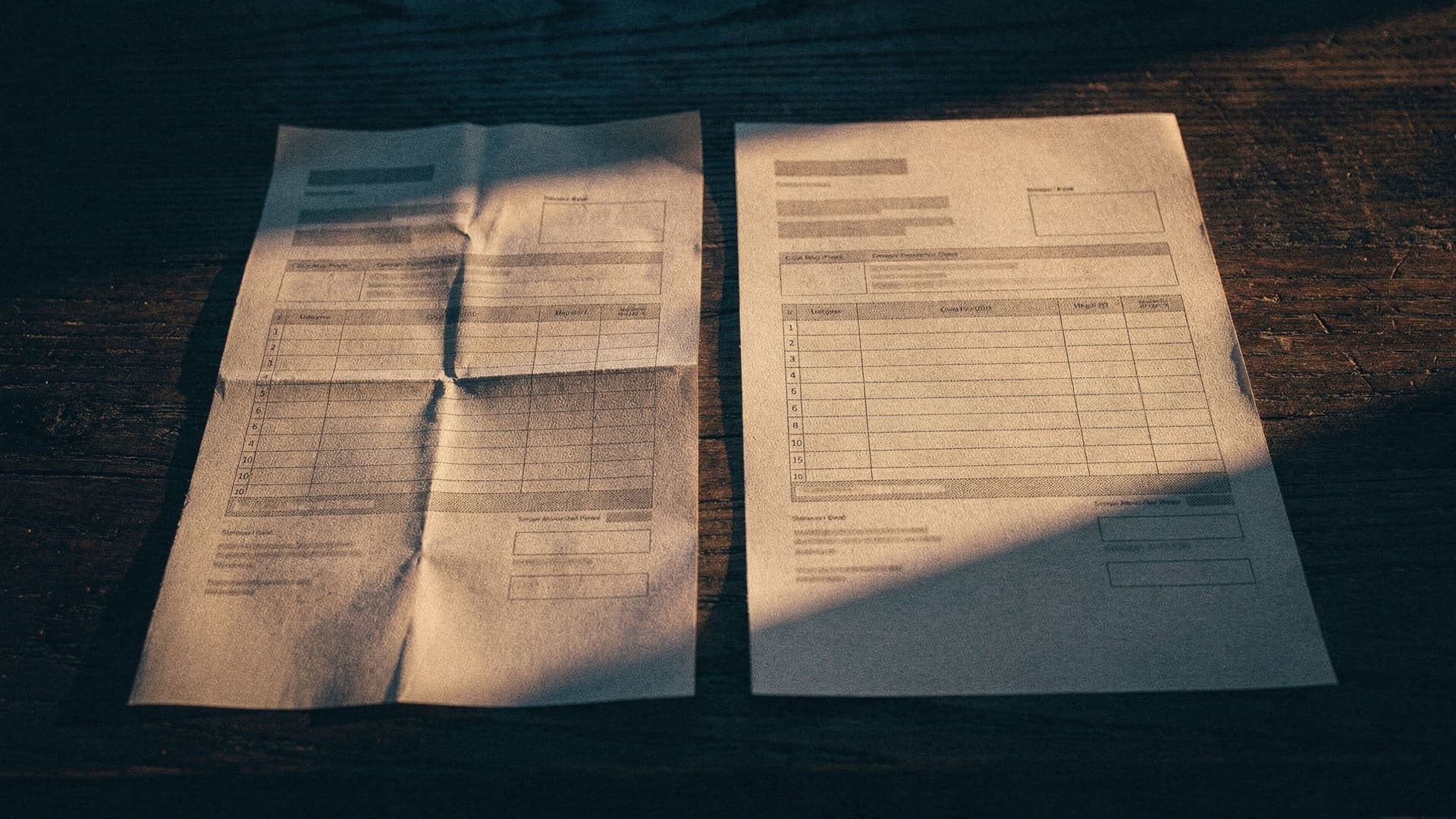
Find the last invoice from this supplier that you actually paid and put the two side by side. You are looking for one difference and its accomplices:
- A different BSB or account number — the reason you are here.
- A sender address that is not quite the old one: an extra letter, a different ending, a reply-to that goes somewhere else.
- Wording about having “recently changed banks”, or a new payee name.
- Urgency that was never there before.
Two warnings from Scamwatch are worth keeping in mind. A supplier’s payment details changing without notice is itself a listed warning sign. And a scammer can add one character to an email address so it looks like the business you deal with — which is why the address is read character by character, not recognised at a glance.
3. Call them, on a number you already had
One phone call settles it, on one condition: you find the number yourself. From an older invoice, from the contact saved in your phone, from their website typed in by hand. Never from the email you are checking, because if the email is the scam, so is the number on it. The ACCC and Scamwatch give the same instruction: use contact details you sourced independently.
What to say is short. “I have invoice 1042 for $4,180 showing a new BSB and account. Have you changed banks? Can you read me the details you have on file?” If they have, pay to what they read you, not to what the email says, and keep a note of the call.
If they have not, tell them. Their email account may be compromised, and their other customers are probably receiving the same invoice this week.
4. If it checks out, pay, and keep the new details
When you make the transfer, most banks now check the account name you enter against the account you are paying and warn you on a mismatch. Treat a no-match as a stop. But treat a match as what it is: confirmation that the name fits the account, not that the invoice is genuine. The call did that work; the bank’s check backs it up. The fuller list of checks is in Is this invoice real? How to check before you pay.
Then save the confirmed details where you will find them next time — because next time the comparison in step 2 is against these.
If the money has already gone
Call your bank first, immediately — the ACCC’s advice is to act quickly and contact your bank straight away. The sooner a transfer is reported, the better the chance of stopping it before it is moved on. Then report it to ReportCyber and to Scamwatch, and tell the real supplier their name is being used. ASIC adds one more thing to be wary of: follow-up scams offering to recover your money.
If the scam email arrived in a thread that only you and the supplier should have seen, one of the two email accounts has been read by somebody else. Change your password, turn on two-factor authentication, and ask the supplier to do the same.