

Why the fear is rational
A fake invoice arrives one of two ways. A scammer imitates a supplier — a lookalike email address, a copied logo, an invoice that looks like every other one you have received. Or a real supplier’s email account is compromised, and a genuine-looking invoice arrives with one thing changed: the bank details.
The second kind is called a payment redirection scam, and it is not rare. Australians reported $2.18 billion in scam losses across 481,523 reports in 2025, and payment redirection accounted for $166.8 million of it — the second-largest category (ACCC, March 2026). The loss usually surfaces weeks later, when the real supplier chases an invoice you believed you had paid.
The five checks below take a few minutes, and they catch most of it.
1. Check where it came from
Read the sender’s address character by character — the address, not the display name, because anyone can set the display name to anything.
- A domain one letter off the real one, or .co where .com.au should be.
- A reply-to address that differs from the sender.
- An address that has never written to you before.
A supplier you have paid for years writing from a new address is worth thirty seconds of suspicion, however familiar the invoice looks.
2. Check it against what you already have
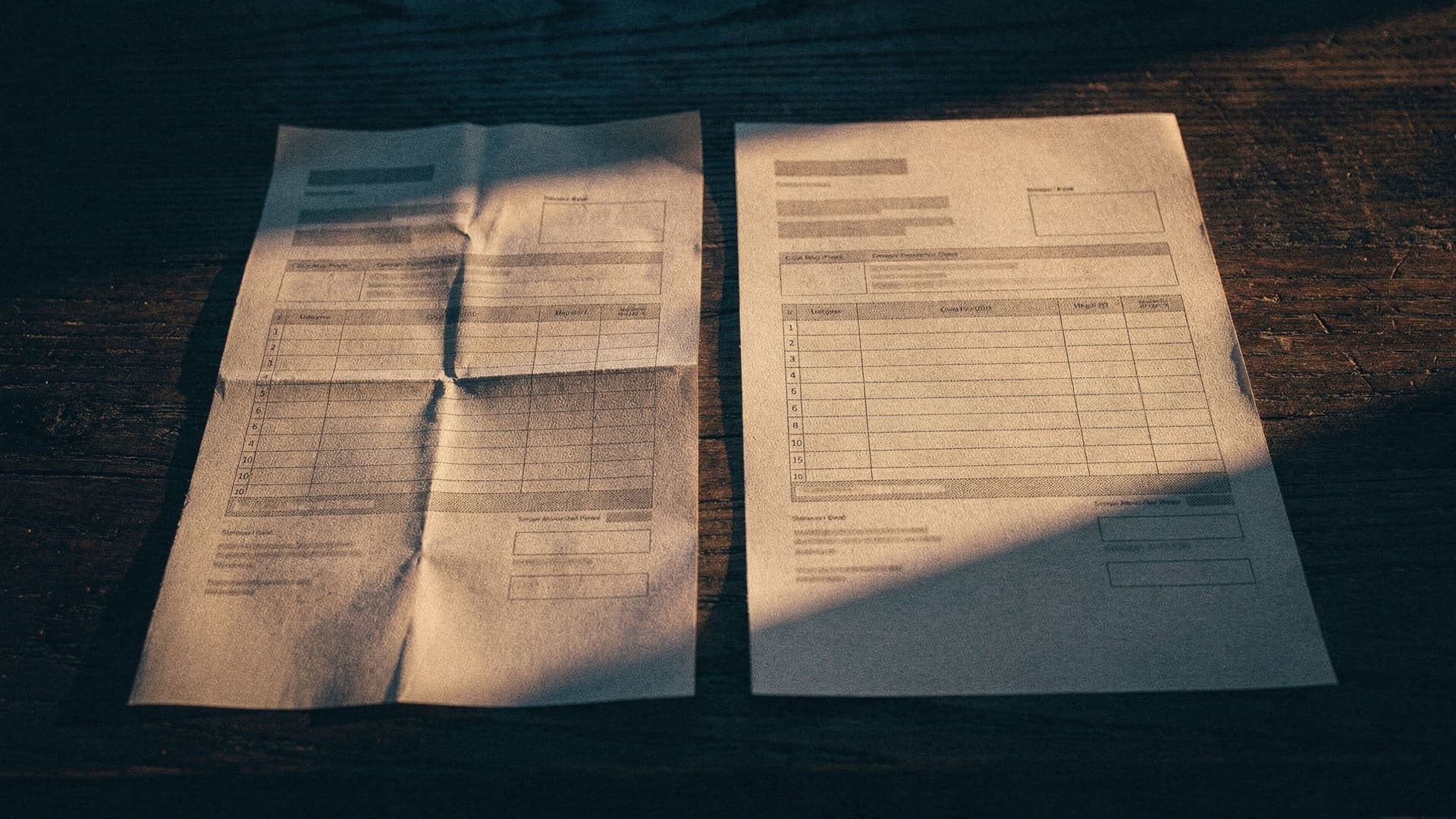
Your own mailbox is your best evidence. Find the last invoice you actually paid from this supplier and put the two side by side.
- Different BSB or account number — the loudest warning there is.
- Wording like “we have recently changed banks”.
- An amount out of pattern, or an invoice number out of sequence.
- An invoice that arrives cold, when every previous one continued a thread with a real conversation in it.
3. Call them — on a number you found yourself
One phone call settles it. The only rule: source the number yourself, from a previous invoice, your saved contact, or their website typed by hand. Never use the number printed in the email you are checking — if the email is a scam, that number answers to the scammer.
Suppliers are not offended by this call. A business that has been impersonated will thank you for it.
4. Know what Confirmation of Payee does — and does not
Since July 2025, Australian banks check the account name you enter against the account you are paying and answer match, close match, or no match. By March 2026 the service was live at 82 institutions covering more than 143 million accounts, and had been used over 100 million times.
Treat a no-match as a stop sign. But the check reads the account name, not the invoice: a payment to a criminal’s genuinely-named account matches cleanly. A match means the name fits the account — not that the bill is real. The checks above are still yours to make.
5. If you are not sure — and if you already paid
Not sure: do not pay yet, and do not silently ignore it either — suspicion that turns into a late payment on a genuine bill costs you a supplier relationship. Start a new email to the address you have on file, rather than replying, ask them to confirm the invoice and the account, and set a reminder so it gets resolved.
Already paid: call your bank first, immediately — recovery is time-critical. Then report it to ReportCyber and Scamwatch, and tell the real supplier their name is being used, because their other customers are probably receiving the same email.